In brief: Compare WordPress vs custom development vs headless CMS to choose the right architecture for your business website, content, integrations and growth.
Choosing a website platform is not simply a question of which technology is most popular. A company publishing service pages and articles has different needs from a business managing customer accounts, supplier workflows, or complex transactions. WordPress vs custom development vs headless CMS is a decision about how content, functionality, integrations, and future changes should fit together. The right choice depends on what the website must do and how the organization expects to manage it.
For Saudi businesses, the decision may also involve Arabic and English content, right-to-left layouts, internal business systems, and different types of user access. A corporate marketing website, an e-commerce storefront, and a customer portal may belong to the same digital ecosystem without needing to share the same technical architecture.
Start with the business requirements, not the technology
Before comparing platforms, describe the website’s purpose and the people who will use it. This helps distinguish content management needs from application requirements.
Consider these questions:
- Will the website mainly publish company information, services, projects, and articles?
- Who will update content, and how much technical support will they need?
- Does the website require customer accounts, supplier access, or internal dashboards?
- Must it exchange information with ERP, CRM, inventory, or other business systems?
- Are there complex approval processes, permissions, or business rules?
- Will the same content need to appear on multiple websites, applications, or digital channels?
- How important are Arabic and English publishing workflows and RTL presentation?
These requirements reveal whether the project is primarily a content-driven website, a custom business application, or a platform that separates content management from presentation.
When WordPress is the practical choice
WordPress is a widely used content management system that can be a suitable foundation for many corporate and marketing websites. It provides an established publishing environment, an administrative dashboard, and a flexible content structure.
It is often a good fit when the main requirements include:
- Corporate pages such as About Us, Services, Contact, and Company Profile.
- Articles, news, announcements, and other regularly updated content.
- Project portfolios, image galleries, and case studies.
- Marketing landing pages managed by a marketing team.
- Content editing through a familiar administrative interface.
- Standard website functionality that can be supported without building a full application backend.
For a business that wants its team to publish articles, update service descriptions, and maintain project pages without depending on developers for every change, WordPress can reduce operational complexity.
It can also support bilingual websites when the content structure, translation workflow, and theme are configured appropriately. Arabic RTL should be considered during implementation rather than treated as a visual adjustment at the end.
WordPress vs custom development vs headless CMS: when WordPress makes sense
WordPress is often the sensible option when content publishing is the central requirement and the necessary functionality can be delivered reliably through a suitable theme, plugins, or targeted custom development. In this situation, a custom application architecture may add complexity without providing enough business value.
However, plugin selection needs discipline. Installing multiple plugins to solve overlapping problems can create maintenance overhead, compatibility concerns, and unnecessary code. The website should have a clear plan for updates, security, backups, and responsibility for ongoing maintenance.
WordPress should not be rejected simply because it is a content management system, nor selected automatically because it is familiar. Its suitability depends on the actual scope.
When Laravel custom development is a better fit
Some projects are not primarily publishing websites. They are business applications that happen to include public-facing pages or content management features.
For example, a company may need a customer portal where users can view orders, invoices, statements, and service requests. A supplier portal may require registration, document submission, review workflows, and role-based access. These requirements involve business logic and data relationships beyond ordinary page publishing.
Laravel can be appropriate when a project requires:
- Custom workflows and business rules.
- Detailed user roles and permissions.
- Integration with ERP, CRM, inventory, or other internal systems.
- Customer and supplier portals behind secure login.
- Custom dashboards and operational interfaces.
- Application-specific data structures and API endpoints.
- Features that need to evolve around the organization’s processes.
With custom development, the application can be designed around the business domain rather than forcing every requirement into a conventional publishing model. This is particularly relevant when workflows are central to the product and need careful control over data, access, and validation.
That flexibility comes with responsibility. The project needs clear requirements, architecture, testing, documentation, security practices, and an ongoing maintenance plan. New features may require development work rather than being handled entirely by a content editor.
When a headless CMS with Next.js fits
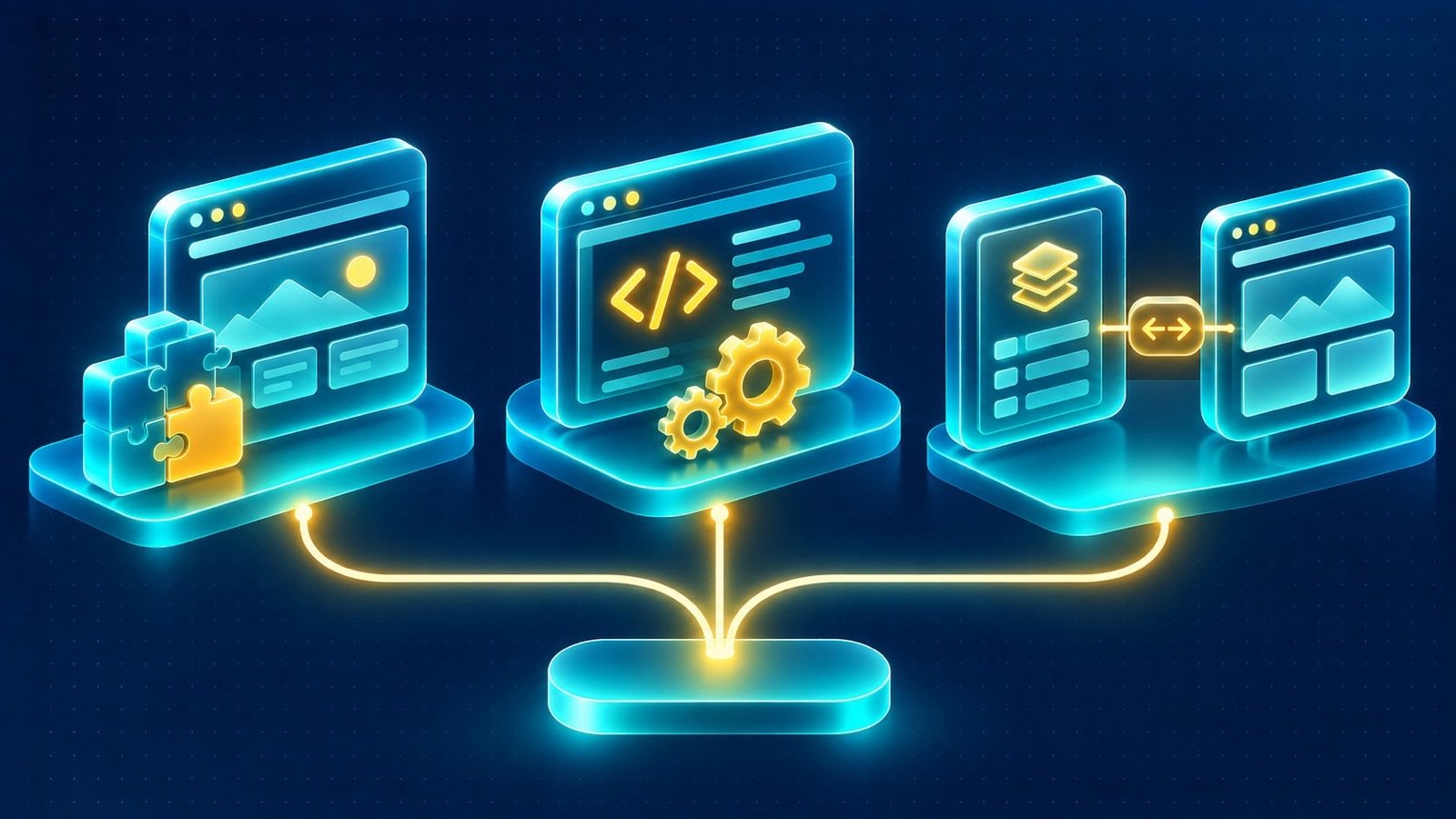
A headless CMS separates content management from the front-end presentation layer. Editors work in the CMS, while the website retrieves content through APIs and displays it through a separately developed front end.
Next.js can serve as that presentation layer. It provides a framework for building web experiences with different rendering and data-fetching approaches. The CMS remains responsible for managing content, while the front end controls how that content is presented to visitors.
This architecture can be useful when a business needs:
- A highly customized front-end experience.
- More control over page rendering and content delivery.
- A content platform that can serve multiple digital channels.
- A clear separation between editorial workflows and front-end development.
- Complex user experiences that benefit from a dedicated front-end application.
- Content structures that need to be reused across different interfaces.
For example, a business could manage articles, service descriptions, and corporate information in a headless CMS while presenting them through a Next.js website. The front end can be developed independently, while editors continue to work in the content management interface.
There are tradeoffs. Preview workflows, publishing controls, API integration, content modeling, and deployment processes need deliberate implementation. Editors may also need additional guidance compared with a familiar all-in-one publishing environment.
Compare the three approaches by practical requirements
The following comparison is a starting point, not a universal ranking. Each approach can be implemented in different ways, and the details of the project matter.
| Requirement | WordPress | Laravel custom development | Next.js with headless CMS |
|---|---|---|---|
| Corporate content pages | Strong fit | Possible, with custom implementation | Strong fit with CMS integration |
| Articles and editorial publishing | Built-in publishing workflow | Requires a content management solution | Managed through the connected CMS |
| Custom business workflows | May require substantial extensions | Strong fit | Usually requires a separate backend or services |
| Customer and supplier portals | Possible for suitable requirements | Strong fit for custom application logic | Can provide the front end with backend services |
| Highly customized front end | Possible with theme and development work | Possible with a separate front end | Strong fit |
| Content reuse across channels | Possible through APIs and integrations | Requires deliberate content architecture | A central headless CMS can support this model |
| Editorial independence | Usually straightforward for website content | Depends on the content management tools provided | Depends on CMS setup and preview workflow |
The key is to compare the complete implementation, including the content editor experience, integrations, hosting, security, and maintenance. A technology label alone does not tell you how well the finished website will serve the business.
Think carefully about ERP and CRM integrations
Integration requirements can influence the architecture more than the public website design. A corporate website may only need to display information, while a portal may need to retrieve customer-specific data and submit transactions to internal systems.
For example, a customer-facing portal may display orders, invoices, and statements sourced from an ERP behind secure login. A supplier portal may allow authorized users to submit requests or documents. These interactions require clear API boundaries, authentication, permissions, and error handling.
WordPress can connect to external services for suitable integration requirements. Laravel can provide a dedicated backend for more complex workflows. A Next.js front end can consume APIs from a Laravel application or other backend services while a headless CMS manages editorial content.
Do not assume that the CMS should own every business process. Content management and operational transactions are different responsibilities. Keeping them separate where appropriate can make the system easier to understand and maintain.
Plan Arabic and English support from the beginning
For Saudi companies, bilingual support should influence the architecture and content model from the planning stage. Arabic and English are not simply two versions of the same visual layout. They can require different text lengths, navigation behavior, typography, and reading direction.
Review how each approach will handle:
- Separate Arabic and English content and translation workflows.
- Right-to-left layout behavior across navigation, forms, and page components.
- Language-specific URLs and metadata.
- Localized images, documents, and downloadable resources where needed.
- Consistent navigation between language versions.
- Content previews for both languages before publication.
WordPress can support bilingual publishing through an appropriate configuration. A Laravel application can model languages and localized content according to business requirements. A headless CMS can provide localized content through its content model and APIs, with Next.js responsible for rendering the correct language and direction.
The important point is to establish the content and URL strategy early. Adding bilingual support after templates, content structures, and navigation have already been built can create avoidable rework.
Consider security, ownership, and ongoing maintenance
Every architecture needs a maintenance plan. The responsibilities differ, but none of the options removes the need to manage updates, access, backups, and security.
For WordPress, define how core updates, themes, plugins, administrator access, and backups will be handled. Review plugins before adding them and remove components that are no longer needed.
For Laravel applications, plan for framework updates, dependency management, authentication, authorization, database protection, logging, and application testing. Custom workflows should be tested against the business rules they are intended to enforce.
For a headless setup, responsibilities span the CMS, APIs, front-end application, hosting, deployment process, and any connected services. Access permissions should be defined across these components, and the content publishing workflow should be tested as carefully as the public pages.
When forms or portals collect personal information, consider what data is necessary, who can access it, how long it is retained, and how it is protected. Saudi businesses should account for applicable privacy obligations, including the Personal Data Protection Law (PDPL), without assuming that selecting a particular framework automatically establishes compliance.
WordPress vs custom development vs headless CMS: validate with real requirements
Reviewing completed websites can help stakeholders understand different content and presentation requirements, even when the underlying technology is not being used as a direct comparison.
For example, the Dorar Tammam Contracting corporate website and the PSCC website are relevant references when considering how a contracting business presents its services and company information. The ERA Culture Design website offers another reference for a business where visual presentation and project content are important.
These examples should be evaluated for their content structure, page requirements, and user experience. Do not infer the technology stack or integrations used in a project unless those details have been independently established.
A decision framework: WordPress vs custom development vs headless CMS
Use the following questions to narrow the options:
- Is publishing the main requirement? If the website primarily needs corporate pages, articles, services, and project content, consider WordPress.
- Does the business need custom application workflows? If the project includes complex permissions, operational processes, or customer and supplier transactions, consider Laravel custom development.
- Does content need to be separated from the presentation layer? If the organization needs a dedicated front end and a CMS that can serve multiple channels, consider Next.js with a headless CMS.
- Will the website connect to internal systems? Define which system owns each type of data and how information will move securely between them.
- Who will maintain the platform? Match the architecture to the team’s editorial capabilities, technical resources, and long-term operating model.
In some projects, a hybrid approach is appropriate. A company might use WordPress for its corporate content, Laravel for a customer portal, and a separate front end for a specialized application. The architecture should reflect clear responsibilities rather than forcing every function into one platform.
WordPress vs custom development vs headless CMS with IntellaQ Flow
There is no universally best option among WordPress, Laravel, and a headless CMS. WordPress is practical for many content-led websites. Laravel is suitable for custom business applications and workflows. Next.js with a headless CMS can be appropriate when the organization needs a separately managed content platform and a dedicated front end.
The decision should follow the website’s purpose, integrations, editorial workflow, language requirements, security needs, and maintenance capabilities. For a broader planning framework, read our business website planning guide.
Explore our website design and development services to see how corporate websites, portals, and e-commerce storefronts can be planned around the right technical approach.
Planning a new website or evaluating an existing platform? Book a consultation to discuss your requirements, compare architecture options, and define a practical development direction.
Common questions
Is WordPress suitable for a corporate business website?
Yes. WordPress can be a practical choice for corporate websites that need editable pages, articles, service content, and a familiar content management experience. Its suitability depends on the required functionality, integrations, and maintenance approach.
When should a business choose Laravel custom development?
Laravel is worth considering when the project requires custom workflows, business rules, user permissions, complex integrations, or application features that do not fit naturally into a conventional content management system.
What is a headless CMS with Next.js?
A headless CMS manages content separately from the website presentation layer. Next.js can consume that content through APIs and render the website, allowing the content platform and front end to be developed and maintained separately.
Is a headless CMS always faster than WordPress?
No. Performance depends on implementation, hosting, rendering, caching, assets, and integrations. A well-built WordPress website can perform well, while a poorly implemented headless website can still have performance problems.
Can a business use WordPress with custom integrations?
Yes. WordPress can be extended and connected to other systems where the requirements are appropriate. However, complex workflows or application logic may be better handled by a dedicated backend or custom application architecture.