In brief: Explore CRM and ERP integration in Saudi Arabia, including data ownership, quotation workflows, system architecture, security, and implementation.
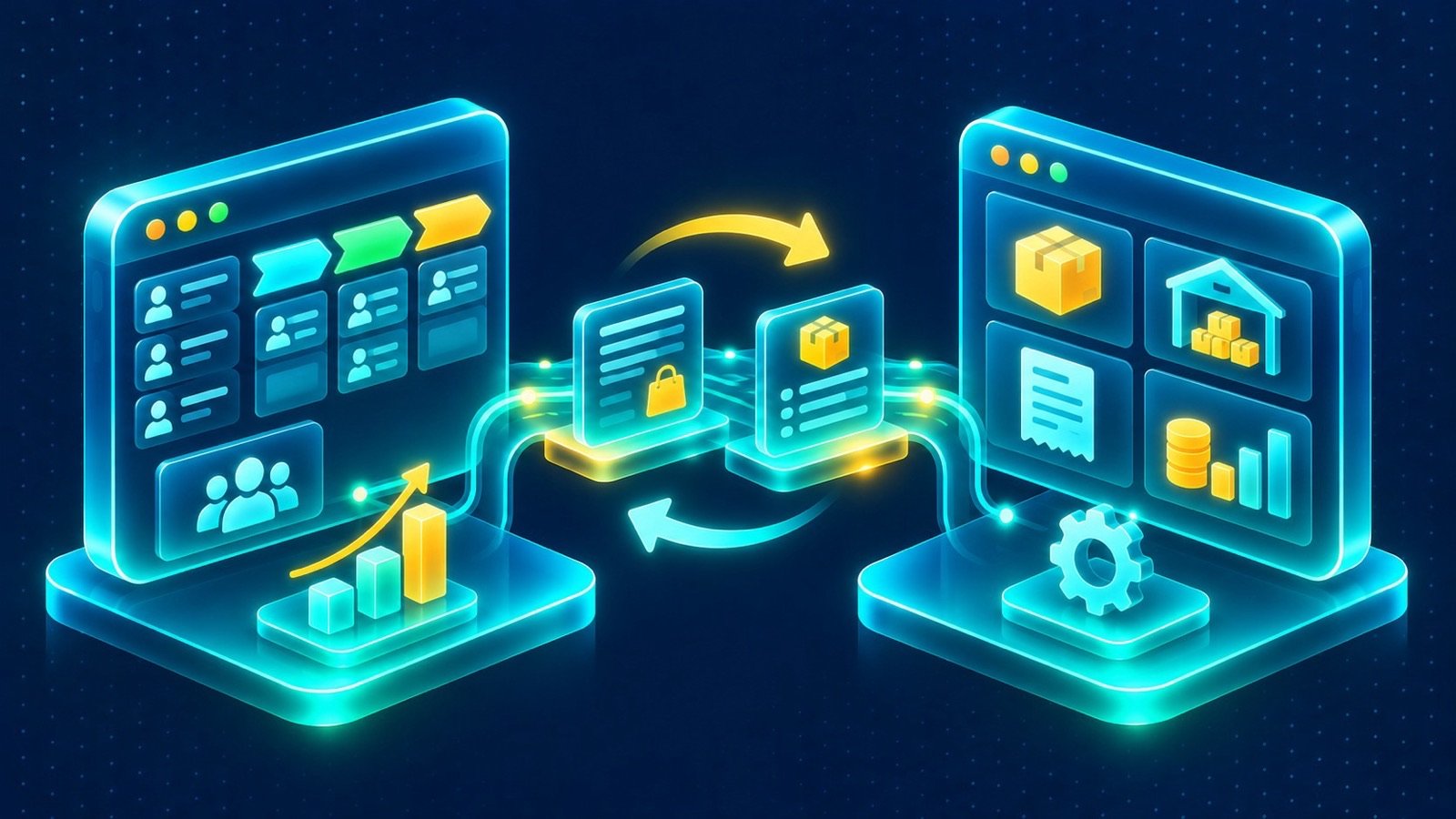
Sales teams need accurate customer and deal information, while finance, inventory, and operations teams rely on records maintained in business management systems. When these environments operate separately, employees may enter the same information more than once, work from different versions of a customer record, or wait for another department to confirm details. A planned approach to CRM and ERP integration in Saudi Arabia can connect these activities while preserving the responsibilities of each system.
The objective is not to merge every function into one application. It is to make the right information available at the right point in a business process. A sales employee might need current product information to prepare a quotation, while an operations employee may need to see the customer and deal context behind an order. The integration should support these exchanges without creating unnecessary dependencies or uncontrolled data duplication.
What should CRM and ERP integration in Saudi Arabia achieve?
A CRM typically supports customer relationships, conversations, sales opportunities, and service activities. An ERP commonly supports operational and transactional processes such as finance, inventory, purchasing, and order management. Their responsibilities may overlap in some areas, but they are not interchangeable.
Integration connects selected workflows across the two environments. Rather than asking employees to copy information between applications, the organisation defines which records should be shared, when updates should happen, and which system is responsible for maintaining each field.
Typical objectives include:
- Giving sales teams access to agreed product and pricing information maintained in the ERP.
- Reducing repeated entry of customer or account information across systems.
- Connecting CRM quotations with relevant ERP data and approval processes.
- Making agreed order or transaction statuses visible to customer-facing teams.
- Giving managers a clearer view of customer activity alongside relevant operational information.
- Creating consistent records that support reporting across departments.
These objectives should be expressed as business outcomes. For example, “show order status in the CRM” is more actionable than a general request to “connect the systems.” It identifies the information needed and the employee who needs it.
Begin with a map of systems and information ownership
Before choosing an integration method, document the applications involved and the information each one maintains. Include the CRM, ERP, e-commerce platform, communication channels, and any other system that participates in the intended workflow.
For every important data type, identify its authoritative source. A customer relationship record may be maintained in the CRM, while inventory availability may be owned by the ERP. Product descriptions, account identifiers, quotation details, and order statuses may each have different owners depending on the organisation’s architecture.
Define data ownership before CRM and ERP integration in Saudi Arabia
A reliable CRM and ERP integration in Saudi Arabia project needs explicit rules for creating, updating, and synchronising records. Without these rules, both systems may attempt to update the same field, leaving employees uncertain about which value is correct.
Create a data ownership table during discovery. For each field or record type, specify the system that creates it, the system allowed to update it, and any other systems that may read it. Include the process for correcting inaccurate information and resolving conflicts.
For example, the CRM might manage sales contact details and interaction history, while the ERP maintains financial account references and transaction records. If an employee changes a customer detail in the CRM, the integration should follow an agreed rule about whether that change is sent to the ERP, held for review, or excluded from synchronisation.
Also decide how the systems identify the same customer. Shared identifiers are preferable where available. If records need to be matched using names, email addresses, or phone numbers, define how ambiguous matches and duplicate records are handled.
Choose which workflows need a connection
Not every data exchange needs to happen in real time, and not every field needs to be shared. The best starting point is a small set of workflows that remove a clear operational obstacle.
Customer and account information
When a sales employee creates or updates a customer record, other departments may need selected information to carry out their work. Define the minimum fields required by each system and whether updates should be automatic or subject to validation.
Consider how company accounts relate to individual contacts. A business customer may have several employees, branches, or billing relationships. The integration should preserve those relationships rather than flattening them into unrelated contact records.
Product and quotation information
Quotation preparation is a practical use case for connecting sales and operational data. A CRM can provide the opportunity context and customer details, while the ERP supplies agreed product and pricing information. The quotation workflow can then apply the organisation’s approval rules and produce a document for electronic signature.
Define which product fields are required, how pricing updates are retrieved, and what happens if the ERP cannot respond. Specify whether discounts or exceptions require approval, how quotation revisions are tracked, and how the final approved document is associated with the customer and opportunity.
This workflow should not rely on an employee copying figures manually from one application to another when the business requires current ERP data. It should also avoid assuming that a value retrieved earlier remains valid indefinitely; the system needs clear rules for refreshing information and validating a quotation before approval.
Orders and operational status
Customer-facing employees may need visibility into an order after a deal has progressed beyond the sales stage. Decide which statuses are useful to the team and which should remain within the ERP. A simplified view may be sufficient; exposing every internal transaction state can create confusion without improving customer communication.
Where appropriate, the CRM can display agreed references and status updates received from the ERP. Establish how cancelled, amended, or partially fulfilled orders are represented, and how employees should respond when the operational status is incomplete or delayed.
Select an integration architecture that fits the workflow
The technical approach should follow the requirements rather than dictate them. Available APIs, webhooks, authentication methods, data formats, and platform restrictions all influence the design. The integration may use direct API communication for a focused workflow or a separate integration layer when several systems and processes need to be coordinated.
Direct integration can be suitable when the exchange is limited and the systems provide stable, documented interfaces. An integration layer can be useful when the organisation needs centralised mapping, reusable connections, transformation rules, monitoring, or coordination across multiple applications.
For each connection, document:
- The source and destination system.
- The event or schedule that triggers the exchange.
- The fields transferred and any required transformations.
- The authentication method and permissions required.
- How failed requests, timeouts, and duplicate events are handled.
- Where integration activity is logged and who reviews errors.
Decide whether an update must be immediate or can be processed in batches. For example, a quotation may need current product information when an employee prepares it, while a management report may use a scheduled data refresh. The appropriate timing depends on the business consequence of using delayed information.
Connect customer communication to operational context
Integration is not limited to traditional sales and finance records. Customer conversations may also need to be associated with information held in other systems. When a customer asks about an order or quotation, the employee should be able to understand the conversation and access the relevant record without searching across disconnected tools.
A shared CRM inbox can bring WhatsApp, email, calls, and web forms into one workspace attached to the right customer. When designed alongside ERP connections, employees can work with customer conversations and relevant operational context in a more consistent process.
For WhatsApp, the technical design must account for the distinction between the WhatsApp Business application and the WhatsApp Business Platform used for programmatic integration. Account configuration, permissions, customer opt-in, approved templates, and messaging-window rules need to be considered. The related guide explains how WhatsApp connects with a CRM, while the wider WhatsApp Business automation guide covers broader messaging workflows.
Build controls for errors, duplicates, and changing records
Even a well-designed connection can encounter unavailable services, incomplete records, expired credentials, or unexpected data formats. The integration should make these conditions visible and provide a controlled recovery process.
Use validation rules to reject or flag incomplete data before it reaches the destination system. Where an event may be delivered more than once, design duplicate protection so that the same action is not applied repeatedly. Keep an identifiable record of the exchange, including its result and any error that requires attention.
Define retry behaviour carefully. Some temporary failures can be retried automatically, while data conflicts may require an administrator or business user to review the record. Repeatedly sending an invalid update will not resolve the underlying issue and may create more confusion.
Also plan for changes to the connected systems. API versions, field definitions, permissions, and business processes can evolve. Assign responsibility for reviewing integration changes and testing them before they affect live operations.
Reporting across CRM and ERP data
Managers may want to review sales opportunities alongside order progress, quotation activity, or other operational information. This requires clear definitions and a consistent approach to reporting data.
Decide which system provides each metric and how often it should be updated. A pipeline report based on active CRM deals may use different timing and definitions from an ERP report based on confirmed transactions. Combining them without explaining the distinction can produce misleading conclusions.
For forecasting, establish which opportunity fields are maintained in the CRM and how they relate to completed business transactions in the ERP. Keep the distinction between expected deals and confirmed orders clear. Reports should help managers understand the relationship between sales activity and operations, not imply that an opportunity is already a completed transaction.
Plan for Arabic workflows and Saudi business operations
Saudi organisations may need Arabic and English interfaces, right-to-left layouts, Hijri calendar workflows, and reporting in Saudi riyals (SAR). These requirements should be considered across both systems and the integration layer.
Check how Arabic customer names and mixed-language records are stored and displayed. Confirm whether dates are exchanged in a standard format and how each application displays them to users. If the CRM and ERP use different conventions, define the conversion and presentation rules so that dates are not misinterpreted.
Currency handling also needs explicit rules. Determine which system maintains the transaction currency, how values are represented, and whether the CRM displays the same figures or a business-approved representation. Do not assume that a shared numeric value is meaningful without its currency and context.
Protect information and assess PDPL responsibilities
Connecting systems can increase the number of applications and users that can access customer information. Before enabling data exchange, assess the Saudi Personal Data Protection Law (PDPL) and other applicable requirements in the context of the organisation’s processing activities.
Document why each category of personal data is shared and limit transfers to what the workflow requires. Establish suitable privacy notices and consent mechanisms where required. Apply role-based access controls, secure API credentials, and restrict administrative permissions. Review logs and monitoring arrangements so that access and data exchanges can be investigated when necessary.
Consider data retention, deletion, correction requests, backups, hosting arrangements, and potential cross-border transfers. Review the responsibilities of third-party platforms and service providers that may process information as part of the integration. Ensure that the business has procedures for handling incidents and requests relating to personal data.
Integration does not automatically establish compliance. The organisation must evaluate its own legal responsibilities, processing purposes, contracts, and security controls. Legal and privacy advisers should be involved where the nature of the data or processing requires specialist assessment.
Test the complete business process before launch
Testing should follow real scenarios across both systems. Create or update a test customer, prepare a quotation using the agreed ERP data, submit it for approval, and verify that the relevant record is available in the correct place. Test order updates and confirm that the CRM displays only the information intended for customer-facing teams.
Include negative scenarios. Test missing customer identifiers, unavailable APIs, rejected authentication, duplicate events, invalid product references, and changes made while a synchronisation is pending. Confirm that errors are recorded and that authorised employees know how to resolve them.
Ask representatives from sales, finance, and operations to validate the process. Their feedback can reveal gaps that technical tests alone may not identify, such as unclear ownership, unnecessary steps, or information that arrives too late to be useful.
Connect CRM and ERP around your business processes
A successful CRM and ERP integration in Saudi Arabia project begins with a clear division of responsibilities between systems. Identify the information each team needs, decide which application owns each record, and build connections around specific business workflows. This keeps the architecture purposeful and makes future changes easier to manage.
IntellaQ Flow develops custom CRM solutions that bring WhatsApp, email, calls, and web forms into a shared inbox attached to the right customer. The CRM supports pipeline and forecasting from live deals, quotations priced from live ERP data with one-tap approval and e-signature, and a service desk with SLAs. It can also account for PDPL-related requirements, Hijri calendar workflows, and SAR-based pipelines. FlowAI agents work inside the CRM with human approval for important steps.
If your organisation is planning CRM and ERP integration in Saudi Arabia, start by reviewing the systems and workflows that need to work together. Read our CRM implementation guide, explore our custom CRM service, and contact IntellaQ Flow to discuss an integration approach based on your business requirements.
Common questions
Why should a business connect its CRM and ERP systems?
Connecting the systems can reduce duplicate data entry and give sales and operations teams access to relevant shared information. For example, CRM users may need product or pricing data from the ERP when preparing quotations, while operational teams may need visibility into customer and deal information.
Which data should be shared between CRM and ERP?
Common candidates include customer and account records, product details, quotation information, order references, and agreed transaction statuses. The exact scope depends on which system owns each record and which workflows require the information.
Should CRM or ERP be the main source of customer data?
The business should define ownership by data type and process. A CRM may manage sales relationships and customer interactions, while an ERP may own operational or financial records. The integration should avoid competing sources of truth.
Can CRM quotations use live ERP data?
Yes, if the systems and integration support the required data exchange. The workflow can retrieve agreed product and pricing information from the ERP, then apply the organisation's quotation, approval, and document-signing processes.
What should be considered when connecting CRM and ERP data?
Plan authentication, permissions, field mapping, duplicate handling, error recovery, monitoring, data retention, and privacy responsibilities. Review the Saudi PDPL and other applicable requirements based on the organisation's processing activities.