

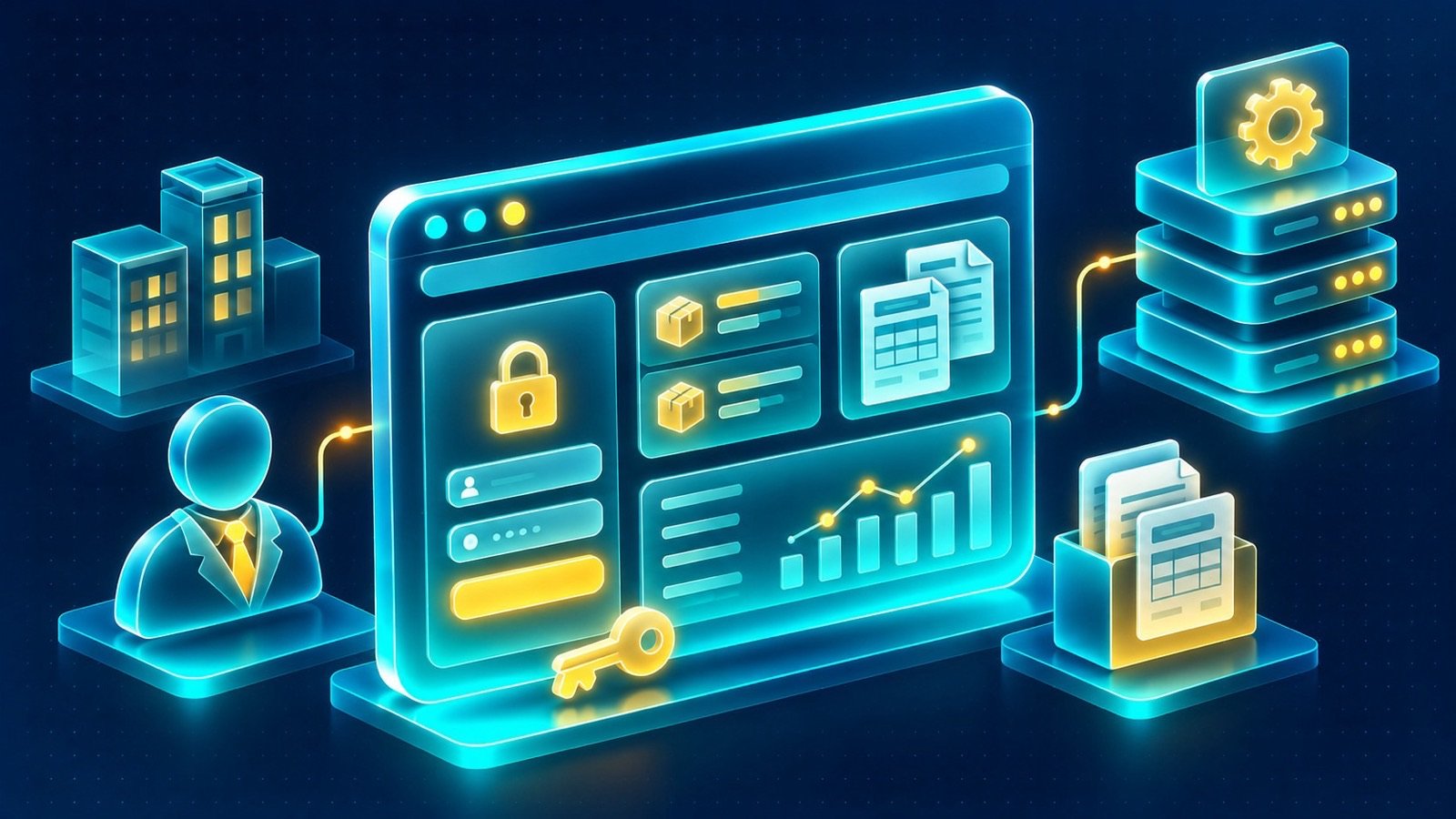
In brief: Explore B2B customer portal features for Saudi businesses, including ERP-connected orders, invoices, statements, service requests and secure account access.
When a business customer needs an invoice, order update, account statement, or service response, the process should not always depend on contacting an employee. B2B customer portal features for Saudi businesses can bring these interactions into a secure online environment connected to the company’s internal systems. Instead of relying on scattered emails and repeated requests, customers can access relevant information and submit business requests through a dedicated portal.
A customer portal is not simply another section of a corporate website. It is an authenticated business interface that needs to reflect real customer relationships, account permissions, and operational workflows. Its value depends on how well it connects the customer experience with the company’s ERP, CRM, and internal processes.
What a B2B customer portal should help customers accomplish
Start by identifying the tasks customers repeatedly perform when dealing with the business. A distributor may receive frequent order and invoice enquiries. A service provider may handle maintenance requests and follow-ups. A company supplying business accounts may need to provide statements and transaction information.
These activities can become the foundation of a portal. Common customer tasks include:
- Viewing account information and approved company details.
- Reviewing current and previous orders.
- Checking invoice information and downloading available documents.
- Accessing account statements.
- Submitting service or support requests.
- Following the status of submitted requests.
- Updating permitted contact information.
- Communicating with the relevant business department.
Not every business needs every function. The portal should reflect the services, customer relationships, and operational capabilities of the company. A focused set of useful functions is generally easier to implement and manage than a collection of features without a clear business purpose.
Connect the portal to ERP and CRM workflows
The distinction between a basic customer area and an operational portal is often the information available behind the login. When a portal connects to an ERP, it can display approved account information such as orders, invoices, and statements. A CRM connection can support enquiry management, customer communication, and follow-up workflows.
These connections should be designed around clear data ownership. If an invoice is created and maintained in the ERP, the portal should retrieve the appropriate information rather than creating a separate, conflicting invoice record. If a customer request is managed through a CRM or service workflow, the portal should reflect the relevant status and updates from that process.
Before development, document the systems involved and how information moves between them. Identify which system owns customer records, transactions, documents, and request statuses. Also determine which information can be displayed to customers and which must remain internal.
B2B customer portal features for Saudi businesses: plan data access by customer role
B2B customer portal features for Saudi businesses should reflect the different relationships that may exist within a customer account. One customer organization may have several users, such as an account administrator, purchasing employee, finance contact, or branch manager.
These users may need different permissions. For example:
- An account administrator may manage authorized users and selected company details.
- A purchasing user may view orders and submit permitted requests.
- A finance user may access invoices and account statements.
- A branch user may only see information associated with an assigned branch.
Define these roles before building the interface. Permissions should be enforced by the backend and integration layer, not only by hiding buttons or pages in the front end. Each user should see only the information they are authorized to access.
Order history and order management
Order information is often one of the most useful parts of a B2B portal. Customers may want to review previous purchases, check order details, or understand the current status of an order without contacting the sales team.
A suitable order section may display:
- Order reference and submission date.
- Relevant product or service details.
- Order quantities and available status information.
- Delivery or fulfilment details where supported.
- Related documents or invoices where available.
The displayed status should come from the system responsible for managing the order. Avoid presenting a status as real-time if the integration only updates periodically. Explain the meaning of statuses clearly so customers understand whether an order is submitted, under review, processed, or completed.
Some businesses may also want customers to submit new orders or repeat previous orders through the portal. These functions require additional rules for product availability, customer-specific terms, approval workflows, and order validation. They should be included only when the connected systems can support the intended process.
Invoices, statements, and financial documents
Finance-related information can reduce repeated document requests when customers have a reliable place to retrieve their own records. An invoice section may allow an authorized user to view invoice references, dates, amounts, statuses, and available downloadable documents.
An account statement section can provide an overview of relevant account transactions over a defined period, subject to the information maintained by the ERP. The portal should make the difference between an invoice, a payment record, and a statement clear.
Consider the following requirements:
- Access limited to authorized customer accounts and users.
- Consistent document references between the portal and ERP.
- Clear display of document dates and statuses.
- Protected document downloads.
- Appropriate handling of document access and session expiry.
- Clear behavior when a document is unavailable or an integration fails.
For businesses operating e-commerce or invoicing workflows, consider how the website and portal relate to live stock and ZATCA invoicing requirements. The exact responsibilities and integration design should be defined according to the company’s systems and business processes.
Service requests and customer support
A portal can provide a structured alternative to sending support requests through general email addresses. Customers can submit a request with the information the business needs to route it to the correct department.
A request workflow may include:
- The customer selects a request category.
- The portal displays relevant fields for that category.
- The customer submits the request and any permitted attachments.
- The system records the request and assigns a reference.
- The responsible team reviews and processes the request.
- The customer can view available status updates.
Request categories should reflect the company’s operations. They may include account enquiries, order issues, invoice questions, service requests, product information, or document requests.
Do not assume that every request needs a complex ticketing system. Begin with the workflow the business can actually support, then introduce additional routing, escalation, and notification rules where needed.
Customer dashboards and useful notifications
A dashboard should help customers understand what needs their attention. It does not need to reproduce every feature available elsewhere in the portal. Instead, it can provide a concise overview of recent activity and useful shortcuts.
Depending on the business, dashboard elements may include recent orders, outstanding documents, open requests, recent account activity, and links to frequently used functions.
Notifications can help customers stay informed about relevant changes. Examples include a submitted request being received, an order status changing, or a document becoming available. Decide which events deserve a notification and which should simply appear when the customer signs in.
Notifications should be based on reliable system events. If a connected ERP or CRM does not provide a particular event, the implementation needs an appropriate alternative rather than displaying unverified updates.
Separate customer and supplier experiences
Some companies need to support both customers and suppliers through their websites. Although these users may share an authentication platform, their tasks are different.
Customers may need to review orders, invoices, statements, and service requests. Suppliers may need to submit company information, provide requested documents, or follow procurement-related requests.
A shared platform can support both groups if it has clearly separated roles, permissions, navigation, and workflows. Avoid giving suppliers access to customer account functions or allowing one customer organization to view another organization’s information.
For a contractor, for example, a supplier area may support a registration request and document submission process, while a customer area provides access to approved account information. Each experience should be designed around the actual business relationship.
Security, privacy, and access management
A portal can expose sensitive commercial and personal information, so security must be part of its architecture from the beginning. A login screen alone does not make a portal secure.
Important considerations include:
- Authentication: Use an appropriate method to verify user identity.
- Role-based permissions: Restrict access to the functions and records assigned to each user.
- Organization boundaries: Prevent users from accessing another customer’s account data.
- Protected connections: Secure information exchanged between the portal, backend, and connected systems.
- Session management: Handle session expiry, sign-out, and account recovery appropriately.
- Audit records: Consider logging important account and administrative actions.
- Document protection: Ensure that private documents cannot be retrieved through unrestricted public links.
When the portal processes personal data, consider the Saudi Personal Data Protection Law (PDPL) and other applicable requirements. Explain the purpose of collection, limit information to what is necessary, and establish suitable access, retention, and handling procedures. A portal implementation should not be represented as a guarantee of compliance.
Design a portal that works in Arabic and English
For companies serving customers in Saudi Arabia and international markets, bilingual access can make account services easier to use. Language support should cover the entire portal, not only its public-facing marketing pages.
Arabic RTL should be included in the original interface architecture. This affects navigation, tables, order details, forms, document references, notifications, and dashboard components. The interface should switch direction naturally without disrupting the information hierarchy.
Plan how user preferences and language selection will work. Customers should be able to understand important statuses, instructions, and request categories in their chosen language. Technical terms and financial labels should be reviewed for clarity and consistency.
Choose the right technology for the portal
The technology should support the portal’s business workflows, security requirements, and integration architecture. A public website and a customer portal may share a front-end design system while using different backend services.
- Next.js: Can support the portal interface and provide a flexible front-end experience.
- Laravel: Can support backend workflows, APIs, authentication, permissions, and connections to business systems.
- WordPress: Can support the public marketing website and content management when appropriate to the project architecture.
- Headless CMS: Can manage public content separately from authenticated portal functionality.
The choice depends on the existing ERP and CRM, available APIs, expected user volumes, content needs, and the company’s maintenance capabilities. The architecture should also define how errors, unavailable integrations, and data synchronization are handled.
For a practical overview of website architecture and business requirements, read the business website planning guide. Our website design and development services cover corporate websites and business platforms that can connect with ERP and CRM systems.
Plan the portal project in manageable stages
Trying to introduce every possible portal feature at once can make requirements difficult to manage. A phased approach allows the company to prioritize essential workflows and validate how customers use the platform.
A practical planning sequence can include:
- Map customer journeys: Identify the tasks customers need to complete and the information they need.
- Review existing systems: Understand the ERP, CRM, available APIs, and data ownership.
- Define user roles: Document customer organizations, account users, permissions, and administrative responsibilities.
- Prioritize functionality: Select the essential features for the initial release.
- Design the experience: Plan dashboard navigation, Arabic and English layouts, forms, and document views.
- Implement integrations: Connect the portal to the relevant systems and define error handling.
- Test access and workflows: Verify that users can only access authorized records and complete the intended tasks.
Testing should use representative customer roles and realistic scenarios. Verify that one customer cannot access another customer’s orders or documents, that permissions work on the backend, and that unavailable system information is handled clearly.
Prepare a brief for B2B customer portal features for Saudi businesses
Before requesting a development proposal, document the business processes the portal should support. A clear brief helps technical teams understand the relationship between the website, ERP, CRM, and customer operations.
Include the following information:
- Customer types and account structures.
- Required user roles and permissions.
- Order, invoice, statement, and request workflows.
- ERP and CRM platforms and available integration methods.
- Required document types and access rules.
- Arabic and English interface requirements.
- Authentication and account administration expectations.
- Notifications and customer communication processes.
- Privacy, security, testing, and maintenance considerations.
Also clarify which functions belong in the public website and which require a secure login. This distinction helps prevent private business information from being mixed into public content and makes the overall architecture easier to manage.
For a related example of a corporate website context, review the Dorar Tammam Contracting website and the PSCC website. These are project references, not claims that either website includes the portal workflows described in this guide.
B2B customer portal features for Saudi businesses, built with IntellaQ Flow
A useful B2B portal gives customers access to the information and tasks that matter to their relationship with the business. Orders, invoices, statements, service requests, and account information become easier to manage when the portal reflects the company’s real operational systems.
The best starting point is not a long feature list. It is a clear understanding of customer needs, data ownership, user permissions, and the internal processes that will support the portal after launch.
Considering a customer or supplier portal for your business? Book a consultation to discuss your ERP and CRM environment, portal workflows, bilingual requirements, and secure customer access needs.
Common questions
What should a B2B customer portal include?
A B2B portal may include secure login, order history, invoice access, account statements, service requests, customer information, and relevant notifications, depending on the company's business processes.
Can a customer portal connect to an ERP system?
Yes. A portal can retrieve authorized information from an ERP through suitable APIs or integration methods. The integration should define data ownership, permissions, synchronization, and error handling.
How is a customer portal different from a public company website?
A public website presents information to general visitors, while a customer portal provides authenticated users with access to account-specific information and business functions.
Can suppliers use the same portal as customers?
A platform may support both audiences, but their workflows and permissions should be separated. Customers and suppliers should only access information and functions appropriate to their roles.
What security considerations apply to B2B customer portals?
Important considerations include secure authentication, role-based permissions, protected data transmission, session management, access logging, and appropriate handling of personal and business information.


