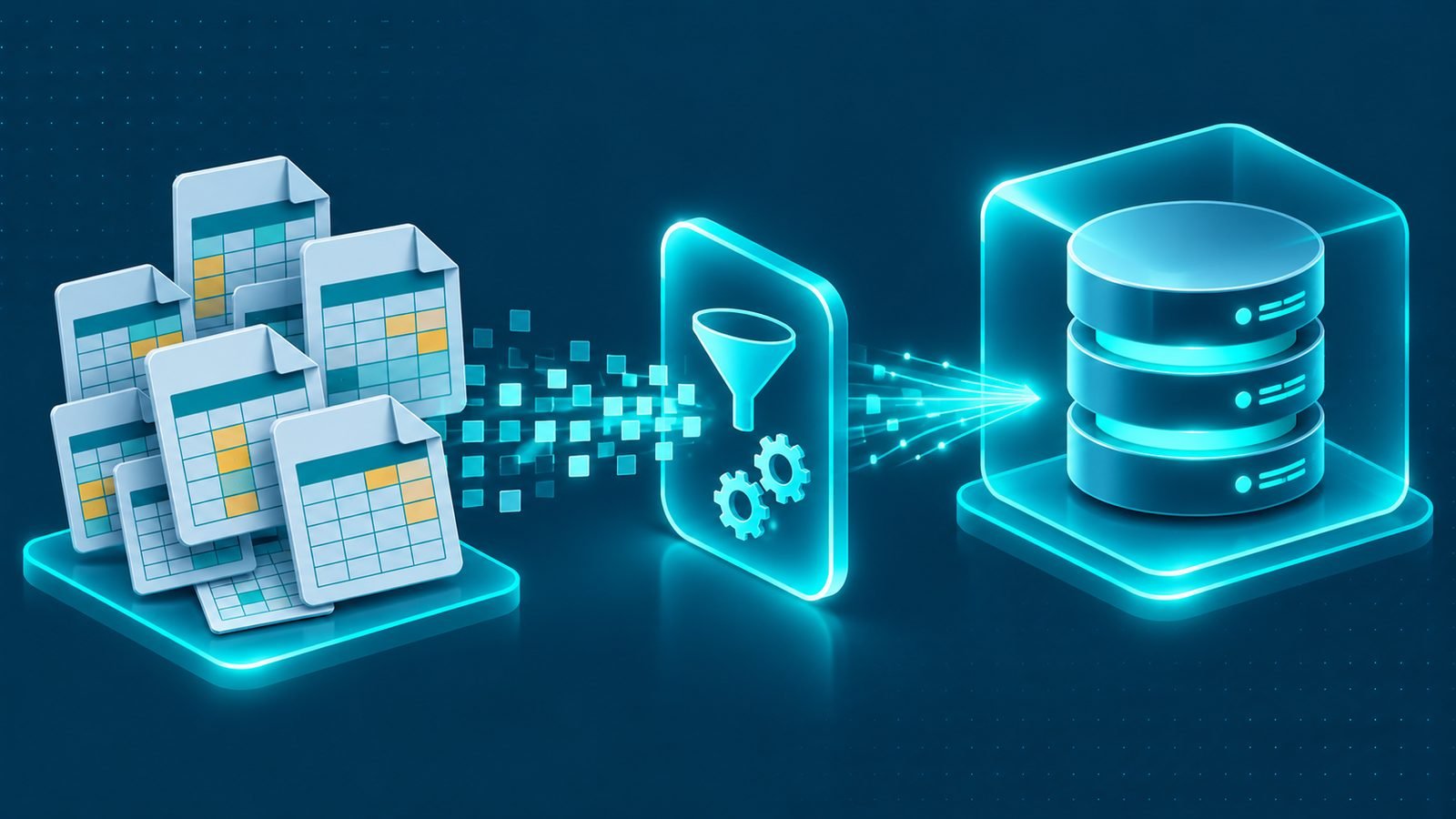
In brief: Learn how to plan construction ERP data migration from Excel or older systems, clean and map records, test results, and manage a controlled cut-over.
Moving from spreadsheets or an older business system into a new platform is a significant step for any contractor. Construction ERP data migration helps transfer the information the business needs while reducing the risk of missing project details, incorrect balances, or duplicated records. A successful migration is not simply a matter of importing files. It requires deciding what information belongs in the new system, preparing it carefully, testing the results, and agreeing how the business will move from its existing processes to the new ERP.
For construction companies in Saudi Arabia, this process can involve information spread across project spreadsheets, accounting records, purchasing files, supplier lists, equipment registers, and document folders. Different departments may maintain their own versions of the same information. Without a clear migration plan, these differences can create problems after go-live. This guide explains how contractors can approach migration in a structured and practical way.
Why construction ERP data migration needs careful planning
Construction businesses manage connected activities. A project record may be linked to its budget, purchase orders, supplier commitments, expenses, invoices, and financial reporting. If one part of that information is missing or incorrectly transferred, other workflows may become difficult to use.
For example, a project manager may need to review outstanding purchase orders while the finance team needs to confirm opening balances. Procurement may rely on supplier records, while management needs reliable historical information for comparisons. These requirements should be considered together rather than handled as separate spreadsheet imports.
Planning also helps the business distinguish between information that must be available on the first day and information that can remain in an archive. Not every old record needs to become an active ERP record. The objective is to create a reliable starting point for the new system without carrying unnecessary data and inconsistencies into it.
Decide which data should move into the new ERP
Before preparing files, create a data inventory. List the current information sources, identify the department responsible for each one, and decide whether the records are required for daily operations, financial continuity, reporting, or reference purposes.
Master data and shared business records
Master data provides the foundation for transactions in the new ERP. It usually includes:
- Customers: Customer names, contact details, account references, and relevant commercial information.
- Suppliers and subcontractors: Supplier identities, contact information, account references, and other details needed for purchasing and project operations.
- Projects: Project codes, names, locations, descriptions, responsible teams, and relevant classification details.
- Items and materials: Material codes, descriptions, units of measurement, and categories.
- Cost structures: Cost codes, cost categories, and the project structures used for tracking expenses.
- Employees and users: Employee references and the information needed to establish appropriate system access.
Agree on naming conventions and unique identifiers before importing these records. For example, the same supplier may appear under slightly different names in several spreadsheets. The migration team should identify whether these entries represent one supplier or separate businesses and resolve the difference before import.
Open projects, purchase orders, and commitments
Active operational records deserve particular attention because they affect work that is already in progress. Contractors should review each open project and decide which information is needed to continue managing it in the new ERP.
Relevant project information may include approved budgets, cost allocations, current status, outstanding work, and important commercial references. The exact fields depend on the company’s existing processes and the configuration of its new system.
Open purchase orders should also be reviewed. Identify which orders remain active, which have been completed, and which have outstanding quantities, deliveries, invoices, or other commitments. Transferring an old order without understanding its current status can create confusion or lead to duplicate purchasing activity.
Include other relevant commitments, such as subcontractor obligations and outstanding project-related costs, where the ERP is designed to manage them. The goal is to preserve the information needed to continue operating, not to import every historical transaction indiscriminately.
Opening balances and historical information
Opening balances establish the financial starting position in the new ERP. The finance team should identify the balances and supporting details that need to be transferred, then agree how they will be checked against the existing accounting records.
Historical information requires a separate decision. Some companies need transaction history in the new system for analysis or operational reference. Others may only need selected summaries, while retaining older records in a controlled archive.
Consider the business purpose of each historical dataset. Relevant questions include whether users need to search it regularly, whether it supports project comparisons, and whether it is necessary to understand outstanding transactions. The decision should be documented before migration begins.
Clean and standardize data before importing it
Data cleansing is one of the most important preparation activities. Importing inconsistent spreadsheets directly into an ERP can reproduce the same problems in a more complex environment.
Start by reviewing each source file for duplicate records, blank mandatory fields, inconsistent spelling, outdated contacts, invalid codes, and conflicting values. Check whether dates, currencies, units of measurement, and reference numbers follow consistent formats.
For example, a material may appear under different descriptions in separate project files. A supplier might have multiple entries because different departments use abbreviations or trading names. A project may also have more than one code if the company has changed its internal naming conventions.
Assign responsibility for resolving these issues. Procurement should review supplier and material information, project teams should validate project records, and finance should review financial data. The migration team can coordinate the work, but business owners should confirm that the information is accurate.
Map existing records to the new ERP structure
After cleansing, define how each source field will correspond to a field in the new ERP. This is known as data mapping. It explains where information comes from, where it will be stored, and how differences between the old and new structures will be handled.
A spreadsheet may use one column for a project reference, while the ERP separates the project code, project name, branch, and project status. Similarly, an old purchasing file may combine material descriptions and specifications in one field, while the new system stores them separately.
Document the mapping decisions, including:
- The source file or system for each dataset.
- The destination module and field in the ERP.
- Required format changes and value conversions.
- Rules for matching existing records and preventing duplicates.
- Fields that are mandatory in the new system.
- Records that should be excluded, archived, or reviewed manually.
Mapping should also account for relationships between records. A purchase order may refer to a supplier, project, and material. Those linked records need valid identifiers in the new system. Importing the purchase order without resolving its related references can result in incomplete or unusable information.
Run trial migrations before the final transfer
A trial migration is a controlled test using prepared data before the final production transfer. It gives the implementation team and business users an opportunity to identify problems while there is still time to correct them.
Rather than testing only a simple customer list, include representative records from the areas that matter to the contractor. This may involve project data, supplier records, open purchase orders, cost structures, and financial balances.
During each trial, check whether records import successfully, whether required fields are populated, and whether relationships between records remain intact. Review how the information appears in the relevant ERP screens and reports. A successful file upload does not necessarily mean the migrated data is usable.
Validate construction ERP data migration results
Validation should compare the source information with the records created in the new system. For construction ERP data migration, this means checking both individual records and the business relationships between them.
- Compare the number of records prepared for migration with the number successfully imported.
- Review duplicate, rejected, and incomplete records.
- Confirm that active projects have the correct identifying information and status.
- Compare open purchase orders and outstanding commitments with the approved source records.
- Reconcile opening balances with the agreed financial information.
- Check that suppliers, materials, projects, and cost codes are linked correctly.
- Review sample reports to confirm that the migrated information produces sensible results.
Record each issue, assign an owner, and confirm when it has been resolved. Repeat the relevant tests after corrections. This creates a clear record of what was checked instead of relying on informal assurances that the import looked correct.
Reconciliation and business sign-off
Reconciliation is the process of confirming that the migrated information agrees with the approved source records. It should involve the people who understand and own the data, not only the technical implementation team.
Finance should review opening balances and relevant financial records. Procurement should verify supplier information and open purchasing commitments. Project teams should confirm active project details and the operational information they need. Management can review whether the resulting reports provide an appropriate view of the business.
Define what constitutes an acceptable result for each dataset before asking for approval. If a difference remains unresolved, document its nature, impact, owner, and agreed treatment. Do not treat a dataset as approved simply because it has been imported.
Business sign-off should confirm that the responsible department has reviewed the information and accepts it for use in the new ERP. Keep the approved source files, reconciliation records, and issue log as part of the migration documentation.
Plan the ERP cut-over and parallel running
Cut-over is the controlled transition from the old way of working to the new ERP. It should be planned around the contractor’s operational and financial activities so that departments understand when records will be transferred and where new transactions must be entered.
Start by defining the cut-over scope. Identify the final source files, the records that will be transferred, the people responsible for each activity, and the checks required before users begin working in the new system.
Agree how to handle transactions created during the transition. For example, a purchase order may be updated in the old system shortly before the final data extract. The team needs a clear process for capturing that change and ensuring that the new ERP reflects the correct position.
Use parallel running to compare important processes
Where appropriate, the contractor can run selected processes in the old environment and the new ERP during a controlled parallel-running period. This provides an opportunity to compare results and confirm that users can complete essential activities in the new system.
Parallel running needs clear boundaries. Decide which processes will be compared, which system is the official record for each transaction, who will investigate differences, and how duplicate entries will be prevented. Running two systems without these rules can create conflicting records instead of improving confidence.
Once the agreed checks are complete and responsible departments approve the results, the business can move to the new ERP as its main working system. Keep the previous records accessible according to the company’s internal record-management approach, but make it clear that users should not continue creating uncontrolled transactions in the old environment.
Prepare users and departments for the new system
Data migration is not only a technical activity. Employees need to understand where their information is now stored, how to find active records, and how to complete their daily tasks in the new ERP.
Provide role-based guidance for project managers, procurement staff, accountants, warehouse teams, and other users. Training should use realistic examples from the company’s operations, such as reviewing an open purchase order, checking a project cost, or locating a supplier record.
It is also useful to explain what has changed from the previous spreadsheets or systems. If a familiar report has been replaced by an ERP screen or dashboard, show users where to find the equivalent information and how to interpret it.
For businesses operating across Riyadh, Jeddah, Dammam, Khobar, or Jubail, make sure that the relevant teams understand the same procedures and data definitions. Consistent use helps maintain data quality after the migration is complete.
How to make construction ERP data migration more reliable
A structured approach makes migration easier to manage and gives the contractor a clearer view of readiness. Keep these principles in mind throughout the project:
- Assign data owners: Make each department responsible for validating its information.
- Prioritize operational records: Focus on the data required to continue active projects and business operations.
- Keep source records: Preserve approved copies of the original data and document changes made during cleansing.
- Test relationships: Check links between projects, suppliers, purchase orders, materials, and cost codes.
- Repeat trial imports: Use testing to identify and resolve problems before final cut-over.
- Document decisions: Record exclusions, mapping rules, unresolved differences, and sign-off.
- Coordinate the transition: Make sure departments understand the cut-over plan and which system to use.
Migration planning should be connected to the wider implementation approach. The ERP implementation timeline in Saudi Arabia provides useful context for coordinating preparation, configuration, testing, and business readiness. Contractors considering a tailored system can also review how custom ERP development supports business-specific workflows and data structures.
Connect migrated data with document and project management
Not all useful business information is stored in structured spreadsheets. Construction companies also manage drawings, contracts, correspondence, submittals, approvals, inspection records, and other project documents.
Decide which documents need to be available through the new ERP and how they should be organized. Relevant considerations include project references, document categories, revision information, access permissions, and links to the associated business records.
Do not assume that transferring a folder automatically creates a usable document-management process. Users should be able to identify the correct document, understand its relationship to a project, and follow the company’s process for managing revisions and approvals. The guide to construction document management explores these practices in more detail.
Build a dependable starting point for your construction ERP
Moving from Excel or an older system is an opportunity to improve how project, procurement, and financial information is organized across the business. The best results come from deciding what matters, cleaning and mapping records, testing imports, reconciling results, and preparing departments for a controlled transition.
For a broader view of how these capabilities fit into a contractor’s operations, explore our ERP for construction companies in Saudi Arabia guide. It explains how connected processes can support project and business management.
IntellaQ Flow develops ERP solutions for Saudi contractors, with systems designed around business workflows and operational requirements. If your company is preparing to move from spreadsheets or an older platform, request a demo of IntellaQ Flow to discuss your ERP requirements and data migration needs.
Common questions
What is construction ERP data migration?
Construction ERP data migration is the process of transferring relevant business information from spreadsheets or older systems into a new ERP platform. It includes preparing, mapping, testing, and validating records before the new system becomes the main source of information.
Which data should a contractor migrate into a new ERP?
Most contractors begin with master data, active projects, open purchase orders, outstanding commitments, and opening balances. Historical records can also be migrated when they support reporting, audits, operational decisions, or ongoing business needs.
Why should data be cleaned before ERP migration?
Cleaning helps remove duplicates, correct inconsistent formats, and resolve incomplete or outdated records. This reduces confusion in the new system and makes testing and reconciliation more reliable.
Can a construction company run its old system alongside the new ERP?
Yes, a controlled parallel-running period can help compare important transactions and balances before fully switching over. The company should define which system is authoritative, how differences are resolved, and when the old process will stop.