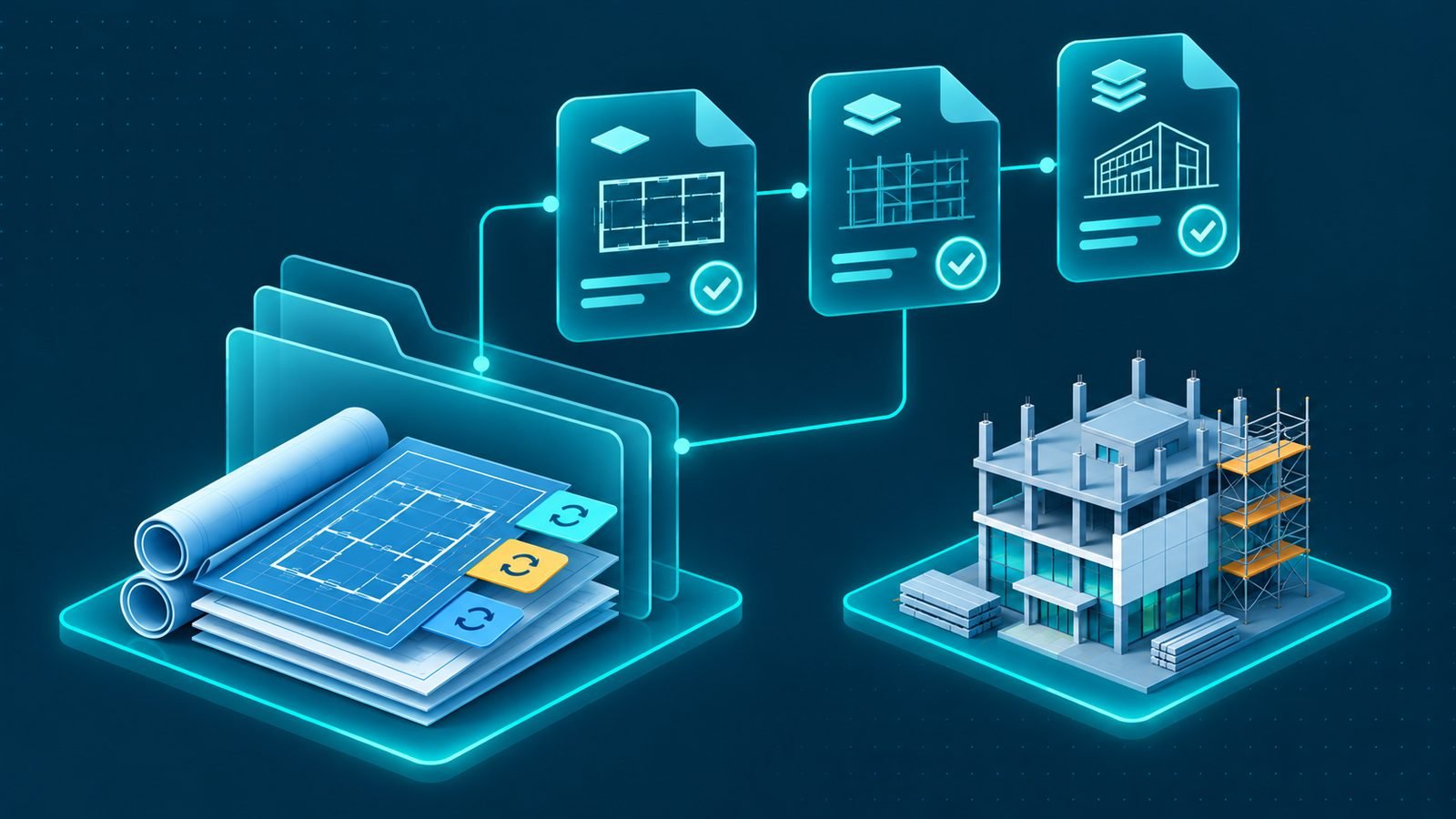
In brief: Improve construction document management with clear revision control, approvals, access permissions and organized project records.
Construction document management is essential for contractors handling multiple teams, project locations and technical requirements across Saudi Arabia. Drawings, revisions, submittals, requests for information (RFIs), correspondence, contracts and approvals all influence how work is planned and delivered. When these records are scattered across email accounts, shared folders and individual computers, employees may struggle to identify the latest information or confirm whether a document has been reviewed and approved.
A structured approach gives project teams a reliable way to create, review, distribute and retrieve project information. It also helps management maintain accountability by showing who submitted a document, who reviewed it, what changed and which version is approved for use. The objective is not simply to store files. It is to make project information accessible, controlled and useful throughout the project lifecycle.
Why document control matters in construction projects
Construction work depends on information being available to the right people at the right time. Site engineers need current drawings and instructions. Procurement teams need approved specifications. Project managers need correspondence and decisions. Commercial and finance teams may need contracts, variations and supporting records.
When document handling is inconsistent, common problems include:
- Outdated drawings: Site employees may work from a revision that has been replaced or superseded.
- Unclear approval status: Teams may not know whether a submittal or document is under review, approved or rejected.
- Lost correspondence: Important instructions and decisions may remain in individual email accounts or messaging conversations.
- Duplicate files: Different departments may store separate copies without knowing which one is authoritative.
- Delayed responses: Requests for information and document reviews may be difficult to track.
- Uncontrolled access: Employees may access information they do not need or make changes without appropriate authorization.
These problems can affect coordination, create rework and make it harder to establish what information was available when a decision was made. A consistent document control process reduces uncertainty and supports better communication between the office, site teams, clients, consultants and subcontractors.
Establish a clear structure for project documents
Before introducing a document management system, define how project information will be organized. Employees should be able to identify where a document belongs and how to retrieve it without relying on the person who originally saved it.
A practical structure can organize records by:
- Project and contract.
- Document category and discipline.
- Site, building, zone or work package where relevant.
- Document reference or identification number.
- Submission, review and approval status.
- Revision and issue date.
- Responsible department or document owner.
Use consistent naming and identification rules across projects. For example, a drawing record should clearly identify its project, discipline, drawing reference and revision. A correspondence record should make it possible to identify the subject, sender, recipient and related project activity.
The structure should be detailed enough to support retrieval without becoming so complicated that employees create informal alternatives. Define the categories centrally, explain them to project teams and review them when the company’s project requirements change.
Manage drawings and revisions carefully
Drawings are among the most important records on a construction project. Architectural, structural, civil, mechanical and electrical drawings communicate technical requirements to the teams responsible for executing the work.
Because drawings may change during a project, employees need a reliable way to identify the current revision and understand its status. A drawing register can record the drawing reference, title, discipline, revision, issue date, review status and distribution information.
Construction document management for drawing revisions
Effective construction document management requires every drawing revision to have a clear history. When a new drawing is received, the responsible team should record the revision and determine whether it is for information, review, approval or use on site.
The process should include:
- Recording each new drawing against its project and document reference.
- Identifying the revision and date of issue.
- Recording the review and approval status.
- Identifying which teams or locations need the updated drawing.
- Marking previous revisions as superseded where appropriate.
- Maintaining access to the revision history for reference.
When a revision affects work already planned or completed, the relevant project team should assess the impact and communicate the required action. Simply uploading a replacement file is not enough if site employees are still using an older copy.
Distribution should be controlled so that the people carrying out the work can identify the approved information. Project teams should also know where to check the current revision rather than relying on attachments saved locally.
Control submittals and technical reviews
Submittals provide information that project teams need to review before materials, equipment, methods or other technical items are accepted for a particular use. Depending on the project, these may include product data, samples, technical details, material information and supporting documents.
A structured submittal register should record the item, responsible party, submission date, reviewer, current status and relevant response. It should also connect the submittal to the related specification, drawing, procurement requirement or work package where appropriate.
Use clear status descriptions so employees can distinguish between documents that are being prepared, submitted, reviewed, approved, rejected or returned for revision. When a response requires changes, retain the earlier submission and the review comments rather than replacing the record without a history.
Procurement and site teams should be able to identify which technical information has been approved before proceeding with relevant purchasing or installation activities. This connection helps prevent decisions from being made using incomplete or unapproved information.
Track RFIs and project correspondence
Requests for information are used when a project team needs clarification about drawings, specifications, scope or other project requirements. If RFIs are handled informally, the original question, supporting documents and final response may become separated.
Each RFI should have a clear reference, subject, description, date submitted, responsible recipient, response status and links to related documents. The record should preserve the original question and the response so that project teams can understand what was asked and how it was resolved.
Correspondence requires similar discipline. Letters, formal instructions, meeting records, notices and important email communications should be connected to the relevant project and subject. Record the sender, recipient, date, reference and any required follow-up action.
Not every informal conversation needs to become a formal document. However, decisions that affect scope, schedule, cost, technical requirements or contractual responsibilities should be recorded through the appropriate project communication process.
Organize contracts, variations and approvals
Contracts establish important responsibilities and commercial conditions between the parties involved in a project. Related records may include amendments, approved variations, instructions, supporting correspondence and other documents that affect the agreed scope or obligations.
Keep contract records connected to the relevant project and make sure employees can distinguish between draft documents, documents under review and approved versions. Access should be limited to employees with an appropriate business need, particularly where records contain commercially sensitive information.
Approval workflows should identify who can submit, review and authorize each document category. A practical workflow should make clear:
- Who is responsible for preparing or submitting the document.
- Which department or individual must review it.
- What supporting information is required.
- Who has authority to approve or reject it.
- How comments and requested changes are recorded.
- How the final approved document is distributed.
For example, a contract variation may require project, commercial and management review before it is treated as approved. The system should preserve the decision history and make the current status clear to authorized employees.
Use version control and access permissions
Version control helps employees distinguish between current documents, previous revisions and working drafts. It should be possible to identify the latest approved version without deleting the history of earlier records.
Every controlled document should have a clear identity and revision history. Changes should be traceable, and employees should know whether they are viewing a draft, a document under review or an approved version. Where a document is replaced, the previous version should remain available for reference according to the company’s recordkeeping procedures.
Access permissions are equally important. Not every employee needs the ability to edit every project document. Define access according to roles and responsibilities, such as:
- View access: Employees can read relevant documents without changing them.
- Submission access: Authorized users can upload new documents or submit revisions.
- Review access: Assigned reviewers can add comments and record their review.
- Approval access: Authorized managers can approve or reject documents within their responsibility.
- Administrative access: Designated personnel can manage document categories, permissions and system settings.
Review permissions when employees change roles or leave a project. This helps maintain appropriate access and reduces the risk of uncontrolled document changes.
Make document control work across multiple projects
Contractors managing projects in different cities need consistent document practices without ignoring each project’s specific requirements. A project in Riyadh may have different technical packages from an industrial project in Jubail, but both should use clear document identification, revision tracking and approval responsibilities.
Standardize the core document categories, naming rules, status definitions and workflows across the company. Then allow project-specific registers and permissions where the contract or project structure requires them.
Central visibility also helps senior management understand which documents or approvals are delaying work across the portfolio. For related guidance on coordinating information and decisions between active projects, see managing multiple construction projects.
Use an ERP platform to connect project information
When documents are stored separately from project, procurement and financial records, employees may need to search several systems to understand one issue. A connected business platform can associate documents with projects, contracts, purchase activities, approvals and responsible employees.
Useful capabilities include:
- Centralized project document registers.
- Drawing and revision histories.
- Submittal and RFI tracking.
- Correspondence and contract records.
- Document review and approval workflows.
- Role-based access permissions.
- Searchable records linked to project activities.
IntellaQ Flow develops custom ERP systems for Saudi contractors. Its custom ERP development services can support business workflows and information structures according to a company’s operational requirements. Contractors can also explore ERP solutions for contracting companies and the guide to ERP for construction companies in Saudi Arabia.
Build a reliable construction document management process
Effective construction document management depends on clear ownership, consistent organization, revision control, traceable approvals and appropriate access permissions. Drawings, submittals, RFIs, correspondence and contracts should be managed as connected project records rather than disconnected files.
Start by reviewing where project documents are currently stored, how revisions are distributed and how employees identify approved information. Define the responsibilities for each document category, establish a consistent approval process and make sure site teams know where to find the current records.
As your contracting business grows, a connected system can make project information easier to manage across departments and locations. To discuss an ERP approach that supports your document workflows and wider construction operations, request a demo from IntellaQ Flow.
Common questions
What is construction document management?
It is the organized process of creating, reviewing, approving, distributing and storing documents used throughout a construction project. It helps teams access the correct information and maintain a traceable record of project decisions.
Which documents should be managed on a construction project?
Important records include drawings, revisions, technical submittals, RFIs, correspondence, contracts, approvals, meeting records and handover documents. The exact document categories depend on the project scope and the contractor's responsibilities.
Why is revision control important in construction?
Revision control helps teams identify the latest approved document and understand what has changed. It reduces the risk of site teams using outdated drawings or instructions when carrying out work.
How can an ERP system support construction document management?
A customized ERP environment can connect project records with document workflows, approvals, responsibilities and access permissions. This helps authorized employees find relevant information and track the status of important documents.