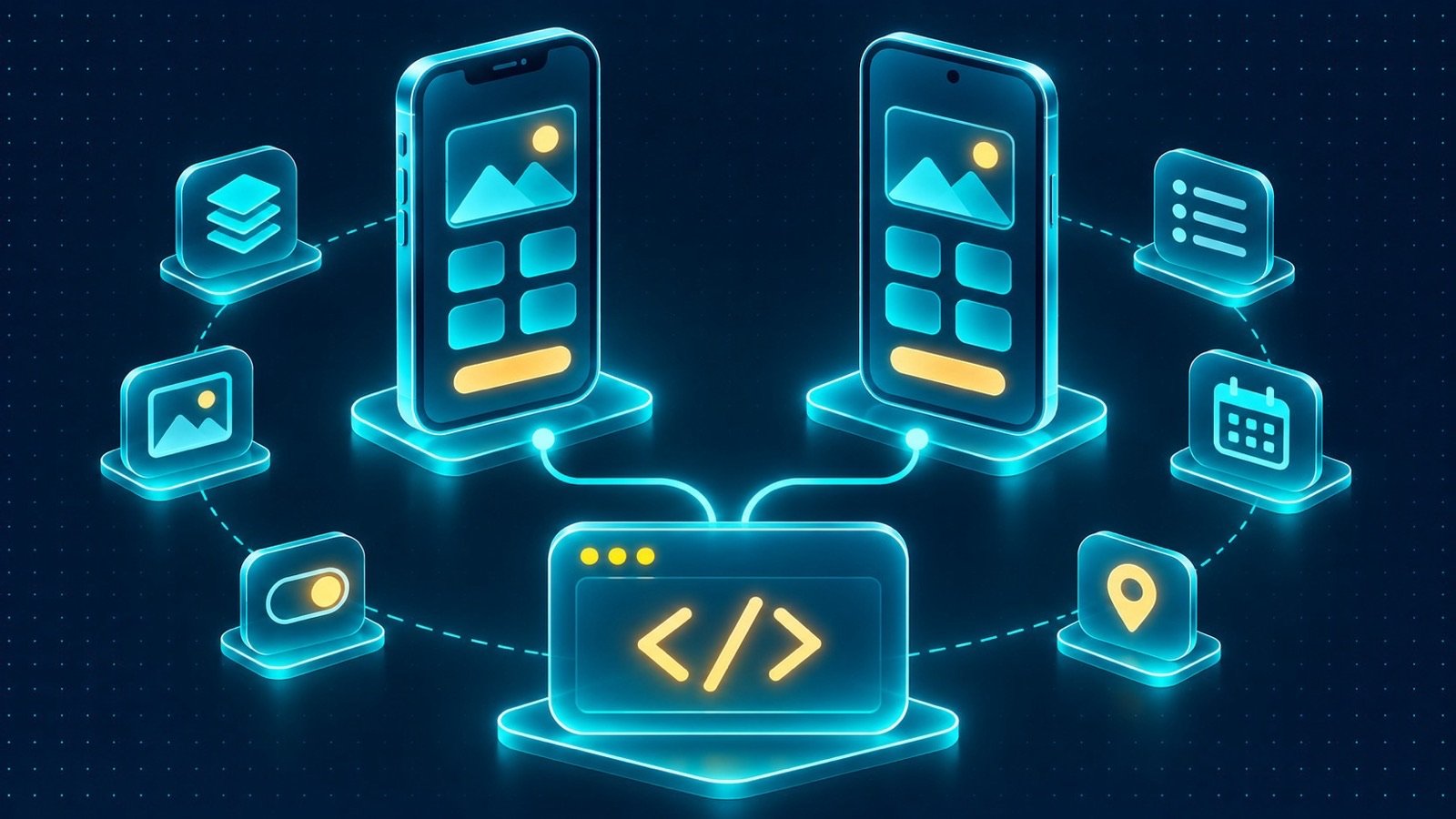
In brief: Explore Flutter app development for Saudi businesses, including shared iOS and Android code, native features, integrations, testing and publishing.
Businesses planning a mobile application often need to support both iPhone and Android users without maintaining two entirely separate products. They may also need access to device capabilities such as GPS, camera, biometric authentication and notifications, alongside integrations with ERP or CRM systems. Flutter app development for Saudi businesses offers a cross-platform approach built around one shared codebase for iOS and Android, making it a practical option for many customer, field and delivery workflows.
However, choosing Flutter should not be based on the promise of writing code once and assuming every implementation detail is identical across devices. Mobile applications still need platform configuration, device testing, integration planning and publishing preparation. The right decision depends on the app’s business purpose, its reliance on native capabilities, and the technical constraints of the systems it must connect to.
How Flutter app development for Saudi businesses works
Flutter is a framework for building applications from a shared codebase. Developers can create the application interface and much of its business logic in one project, then build versions for supported platforms, including iOS and Android.
This approach can reduce duplicated implementation work when both platforms need similar screens and workflows. It can also help teams maintain consistent behaviour across the application, because common business rules and interface components are managed together.
A shared codebase does not mean that every part of the application is platform-independent. The app still interacts with operating-system services, device hardware, permissions and platform-specific publishing requirements. Developers must account for these differences in the architecture and test the resulting builds on both platforms.
Where Flutter fits in business applications
1. Flutter app development for Saudi businesses with field workflows
Field applications often need to support employees working across sites, projects or service locations. A technician or site employee may need to record progress, attendance, deliveries or snags and associate each submission with the correct project and cost code.
Flutter can provide a shared interface for these workflows across iOS and Android devices. The application can present assigned tasks, forms and relevant records, while integration services connect approved information to the organisation’s operational systems.
If employees work in locations with unreliable connectivity, the architecture must also account for offline storage and synchronisation. Local records, queued actions and conflict rules require deliberate design; they do not appear automatically simply because Flutter is being used.
2. Customer applications
Customer-facing apps can bring bookings, orders, loyalty activity and support interactions into one mobile experience. A shared codebase can help keep the main customer journeys consistent across iPhone and Android devices.
The application should connect customer actions to the relevant business records. For example, bookings and orders may need to be associated with one customer record in CRM so that authorised support employees can understand the context of a request. The integration design should identify which system owns each record and how changes are synchronised.
Customer applications also need careful attention to usability. Navigation, forms, confirmation messages and error handling should make common tasks straightforward. A technically consistent interface is useful only when it supports the way customers actually interact with the business.
3. Driver and delivery applications
Driver apps may need route information, maps, GPS, delivery details and proof-of-delivery workflows. A driver might confirm a delivery, collect cash, capture the customer’s sign-off and submit the result to the organisation’s system.
These workflows should be mapped before development begins. Define which actions require connectivity, what information must be available offline, and what happens when a driver cannot complete a delivery. If the business process requires an invoice to be issued when the customer signs, specify that event and the system responsible for generating the invoice.
Flutter can provide the shared application experience, while platform integrations and backend services handle device capabilities and business transactions. The implementation should be tested under realistic operating conditions, including interrupted connectivity and permission restrictions.
Using native device features from Flutter
4. Plugins for platform capabilities
Flutter applications can use plugins to access native device features. A plugin provides an interface that allows Dart application code to interact with functionality implemented for the relevant platform. Depending on the plugin, this may include camera access, location services, maps, notifications, biometric authentication or file handling.
Before selecting a plugin, check that it supports the required iOS and Android versions and that its functionality matches the business use case. Review its maintenance status, documentation, configuration requirements and limitations. A plugin that works for a basic demonstration may not cover every permission flow or device condition required by a production application.
Also plan for platform differences. Permission prompts, background behaviour, notification handling and operating-system restrictions may not work identically on iOS and Android. These details should be included in testing and acceptance criteria.
5. Platform channels for specialised integrations
When an appropriate plugin is unavailable or does not expose the required functionality, Flutter supports platform channels. These allow Dart code to communicate with native code written for the target platform, such as Swift or Objective-C on iOS and Kotlin or Java on Android.
A platform channel can be useful when an application needs a specialised native API or a custom integration with a device capability. The native implementation handles the platform-specific operation, while the Flutter application communicates with it through a defined interface.
This approach introduces additional code and maintenance responsibilities. Teams need to define message formats, handle errors, manage platform-specific dependencies and test both implementations. It is a way to extend Flutter where needed, not a reason to assume every native capability will be available without additional engineering.
When native development may be the better choice
Flutter is suitable for many business applications, but it is not automatically the best choice for every project. Native iOS or Android development may be preferable when the application depends heavily on specialised operating-system APIs, advanced platform-specific behaviour or hardware capabilities that are difficult to access reliably through existing plugins or custom platform channels.
Native development may also be worth considering when the product is intentionally designed around one platform and needs deep integration with its ecosystem. Highly specialised device interactions, platform-specific user experiences or requirements involving new APIs may make a native implementation more appropriate.
Decision-makers should compare the actual requirements rather than treating the choice as a general contest between frameworks. Ask the technical team to identify the required device features, demonstrate how they will be implemented, and explain any limitations or dependencies. A short technical validation can help reveal whether Flutter supports the critical workflows before the full application is scoped.
Architecture considerations beyond the interface
6. Backend services and ERP or CRM integration
A mobile app is usually one part of a larger system. Business records, authentication, permissions and operational rules may be managed by backend services or enterprise platforms. The app needs a defined way to retrieve and submit information without duplicating the organisation’s core business logic unnecessarily.
For an ERP-connected field app, users may need approved project information and cost codes before submitting progress or delivery records. A customer application may need to retrieve bookings and orders linked to a CRM record. Driver workflows may need to update delivery status and send proof of delivery to the relevant operational system.
For each integration, define the data source, user permissions, update events and error-handling rules. Also consider what happens when a backend service is unavailable. The app should communicate whether an action is complete, pending or unsuccessful rather than presenting an uncertain result as confirmed.
Explore ERP services and CRM services when planning how the mobile experience should connect to existing business operations.
7. Offline-first application design
Offline support is especially relevant to field teams and drivers who may work outside reliable network coverage. An offline-first design identifies which records are stored locally, which actions can be completed without a connection, and how the application synchronises changes later.
Conflict rules are important when multiple users or systems can update the same record. Some changes may be accepted according to defined priorities, while others may need human review. The app should also handle duplicate submissions, interrupted uploads and synchronisation failures without losing track of the user’s work.
Test these conditions on real devices and with realistic data volumes. The test plan should include losing connectivity during a submission, reopening the app with pending changes, and restoring the connection after records have been modified elsewhere.
8. Security, authentication and permissions
Authentication confirms a user’s identity, while authorisation determines what that user can access. These responsibilities should remain clear even when the app offers biometric login on supported devices.
Biometric authentication can make returning access more convenient, but business permissions should still be enforced by the application and backend. For example, a user who can submit a site report should not automatically gain approval rights. ERP permissions and application roles should determine the actions available to each user.
Protect API credentials, restrict access to records, and consider how local data is handled when a user signs out or loses access. Offline storage requires particular care because information may remain on a device when it is disconnected from the organisation’s services.
Arabic RTL and English support
For applications serving Saudi users, Arabic and English requirements should be included in the design from the beginning. Arabic support involves correct right-to-left layout behaviour across navigation, forms, lists and content—not just translated labels.
Test mixed-language screens that contain Arabic names, English descriptions, numbers, dates and reference codes. Ensure that changing the display language does not alter the underlying business record or cause information to be presented in a misleading order.
Also review how the application handles local terminology and the workflows used by different groups. A field employee, customer and driver may need different language choices and different levels of detail even when they use the same technical platform.
Testing and publishing for iOS and Android
A shared codebase can support both platforms, but each build must be validated in its own environment. Test navigation, layout, permissions, authentication, notifications, camera and location behaviour, offline workflows and integrations on representative iOS and Android devices.
Publishing requires preparation for the Apple App Store and Google Play. The organisation needs the appropriate developer accounts and should prepare app metadata, descriptions, screenshots, icons, privacy disclosures and explanations for requested permissions. Review the current submission requirements for each store, as their policies and technical rules may differ.
Before submitting, prepare release builds, verify the app’s main workflows and provide review instructions or test access where required. Apple and Google conduct their own reviews under their respective policies. A submission may require clarification or changes, so the project should include time and responsibility for handling review feedback without assuming an approval outcome or a specific review duration.
Privacy and PDPL considerations
Mobile applications may process customer details, employee information, location data, photographs, signatures and support records. The organisation should identify what personal data each workflow needs and avoid collecting information that is not necessary for the defined purpose.
Saudi Arabia’s Personal Data Protection Law (PDPL) and applicable regulations should be considered when planning collection, use, storage, sharing and deletion. Organisations should assess the purposes and legal basis for processing, provide appropriate notices, define retention practices, manage access and review arrangements with service providers or other parties where applicable.
Technical measures may include role-based access, secure authentication, protected API credentials, suitable encryption, audit records and controls for information stored locally. Offline data needs particular consideration because it may remain on a device outside the organisation’s network. Define how that data is protected and what happens when access is revoked or a device is lost.
Using Flutter or implementing technical security controls does not guarantee PDPL compliance. Each organisation must assess its own processing activities, responsibilities, contracts and operating procedures, and obtain qualified advice where appropriate.
How to evaluate a Flutter project proposal
When reviewing a proposal, ask the development team to explain the architecture and demonstrate how the most important workflows will operate on both platforms. The discussion should cover:
- Which application features will use shared Flutter code.
- Which native capabilities require plugins or custom platform channels.
- How the app will connect to ERP, CRM and backend services.
- Which workflows need offline storage and how conflicts will be handled.
- How Arabic RTL and English will be tested.
- How user roles, biometric access and business permissions will work together.
- Who manages developer accounts, store submissions and ongoing updates.
Ask for assumptions and dependencies to be documented. If a critical feature depends on a third-party plugin or a platform-specific API, it should be validated early rather than left as an unresolved detail until the end of development.
Flutter app development for Saudi businesses with IntellaQ Flow
IntellaQ Flow develops offline-first iOS and Android applications for field teams, customers and drivers using one Flutter codebase for both stores. The service can support field and site workflows for progress, attendance, deliveries and snags linked to the correct cost code; customer workflows for bookings, orders, loyalty and support sharing one CRM record; and driver workflows involving routes, proof of delivery, cash collection and invoice issuance when the customer signs.
The service can also incorporate offline storage with synchronisation and conflict rules, maps and GPS, approvals on the go, biometric login with ERP permissions, and Arabic RTL with English. The appropriate implementation depends on the required workflows, device capabilities and connected systems.
Choosing Flutter should be a technical decision grounded in the product requirements. Flutter app development for Saudi businesses can provide a shared foundation for iOS and Android, while plugins and platform channels allow access to native capabilities where suitable. When a requirement depends on deep platform-specific behaviour, native development should remain part of the evaluation.
Read the enterprise mobile app solutions guide, explore IntellaQ Flow’s mobile app development service, and book a consultation to discuss the right technical approach for your application.
Common questions
Can Flutter build apps for both iOS and Android?
Yes. Flutter supports applications for both platforms from one shared codebase. Each platform still needs appropriate configuration, testing and publishing preparation.
Can Flutter applications use native device features?
Yes. Flutter can access native platform capabilities through plugins or custom platform channels. Availability and implementation depend on the feature, operating system and plugin support.
Is Flutter suitable for enterprise mobile applications?
It can be suitable for many business workflows, including field reporting, customer applications, driver tasks, approvals and integrations. Suitability depends on the technical requirements and platform-specific needs.
When should a business choose native iOS or Android development instead?
Native development may be preferable when an app depends heavily on platform-specific APIs, specialised hardware, advanced operating-system behaviour, or requirements that are difficult to support reliably through Flutter plugins or platform channels.
Does one Flutter codebase mean no platform-specific testing?
No. Shared code reduces duplicated implementation, but iOS and Android builds still require separate testing for permissions, device behaviour, notifications, performance and store requirements.