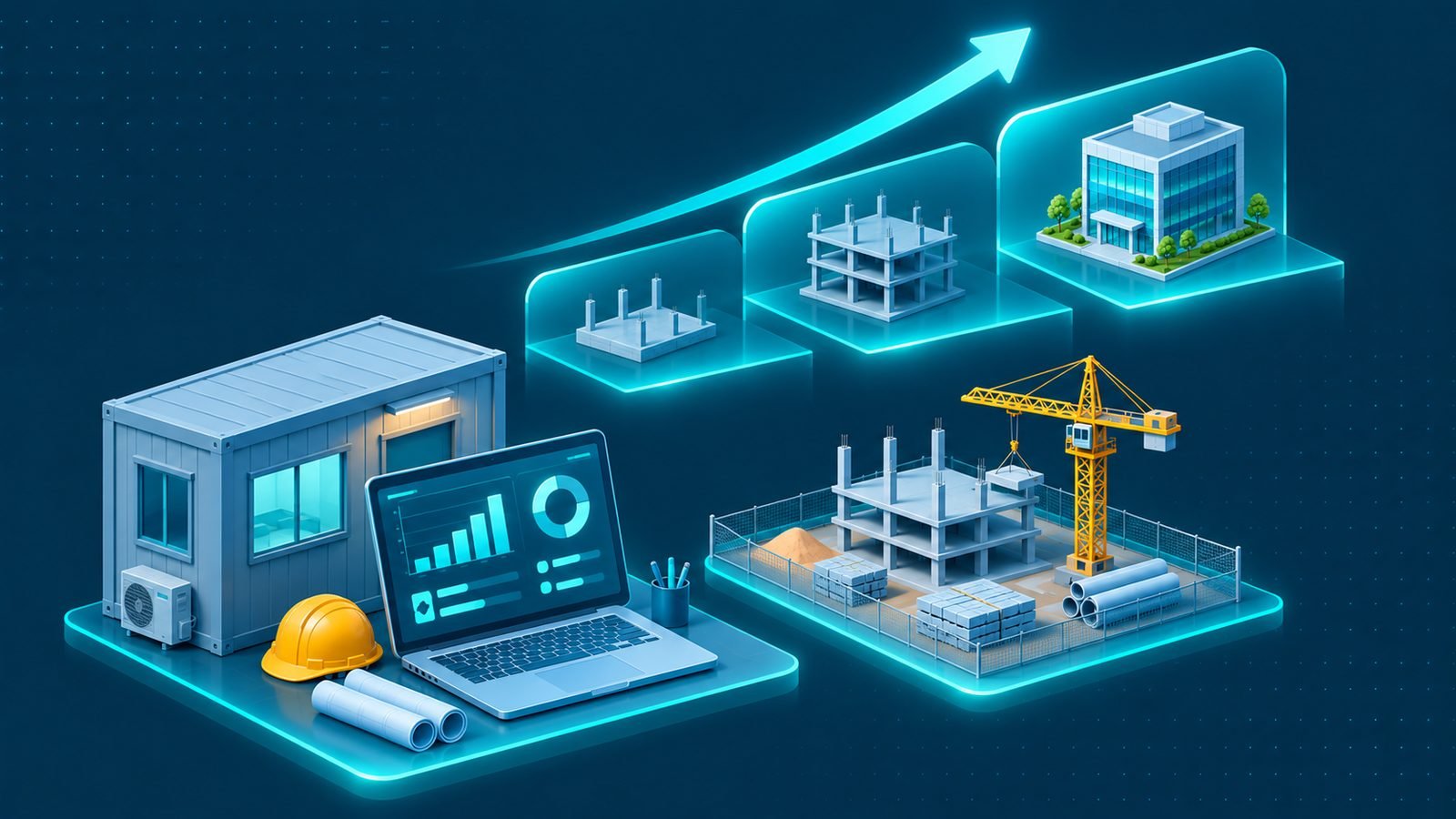
In brief: Explore ERP for small construction companies, including essential modules, phased implementation and practical ways to scale as projects grow.
ERP for small construction companies can help contractors move beyond disconnected spreadsheets and basic accounting tools as their projects and responsibilities grow. A small contracting business may initially manage quotations, purchases, expenses, employee records and project updates using a few separate tools. Over time, however, information becomes harder to coordinate, management reports take longer to prepare and employees may not have a consistent view of what is happening across the business. For contractors in Riyadh, Jeddah, Dammam, Khobar and other parts of Saudi Arabia, the right ERP approach can bring essential processes together without creating unnecessary complexity.
The goal is not to introduce a large system simply because the company is growing. It is to identify the processes that need better control, select the most useful capabilities and implement them in a way that a small team can adopt. A practical system should solve current operational problems while leaving room for additional projects, employees and business requirements in the future.
Signs your construction company has outgrown spreadsheets
Spreadsheets can be useful when a contractor has a limited number of projects and a straightforward operating structure. They provide flexibility and can help teams organize basic information. The difficulty begins when several employees maintain separate files and the same information must be updated in multiple places.
Common signs that existing tools are no longer sufficient include:
- Repeated data entry: Employees enter the same supplier, project or transaction information into different spreadsheets and accounting records.
- Inconsistent project information: Site teams, project managers and finance maintain different versions of budgets, expenses or progress updates.
- Limited cost visibility: Management cannot easily connect project activity with purchasing, expenses and financial records.
- Untracked approvals: Purchase requests, expense claims and other decisions are handled through messages or informal conversations.
- Unclear inventory records: Employees cannot quickly confirm what materials are available or where they are assigned.
- Time-consuming reporting: Managers spend too much time collecting and reconciling information before making decisions.
- Dependence on individual employees: Important information is stored in personal files or known only to particular team members.
Basic accounting software may still handle financial transactions, but it does not necessarily coordinate the operational activities that create those transactions. A contractor may know what has been recorded financially without having a clear view of the project request, purchase approval, material receipt or site activity behind it.
What should ERP for small construction companies manage?
A small contractor does not need to activate every possible ERP function from the beginning. The starting point should be the business processes that create the most manual work or operational risk.
For many contracting businesses, useful starting modules include:
- Project management: Project records, responsibilities, schedules, progress updates and key documents.
- Procurement: Material requests, supplier information, quotations, purchase orders and receiving.
- Inventory: Warehouse balances, material issues, transfers and project allocations.
- Expenses and finance: Project expenses, approvals, financial transactions and management reports.
- Employee management: Employee records, project assignments and relevant workforce information.
- Document management: Drawings, revisions, correspondence, approvals and project records.
The company should choose modules according to its actual workflow. A contractor that frequently purchases materials for several sites may prioritize procurement and inventory. Another business may first need stronger project and expense tracking because management cannot easily understand where project funds are being used.
ERP for small construction companies should start with essential workflows
When selecting ERP for small construction companies, focus first on the processes that employees use every day. A system that introduces too many screens, approval stages or administrative requirements can make work harder rather than easier.
Map a few important workflows from beginning to end. For example, follow how a site team requests materials, how the request is reviewed, how procurement places an order and how the warehouse records receipt. Identify where information is currently repeated or lost, then prioritize the system capabilities that address those gaps.
This approach helps keep the initial implementation focused. It also gives employees a clear reason to use the new system because it improves activities they already understand.
Keep the system simple for a small team
Small contractors often have employees who perform several responsibilities. A project manager may coordinate site activities and review purchasing requests, while a finance employee handles accounting, expenses and administrative reporting. The system should support these working arrangements without creating unnecessary administrative overhead.
Practical design principles include:
- Role-based screens: Show employees the functions and information relevant to their responsibilities.
- Simple data entry: Avoid requesting information that is not needed for the business process.
- Clear approval routes: Make it easy to identify who must review or authorize a request.
- Consistent project records: Use common project references across procurement, expenses and finance.
- Useful reports: Prioritize views that help employees make decisions rather than producing unnecessary dashboards.
- Practical training: Teach employees the workflows they use instead of overwhelming them with every system feature.
Arabic-first interfaces can also make daily use more practical for Saudi teams, particularly when employees need to work with familiar terminology and clear screen layouts. The system should reflect the company’s actual operating environment rather than forcing employees to adapt to a complicated structure designed for a different type of organization.
Implement ERP in manageable phases
A phased rollout allows a small contractor to introduce improvements without trying to change every department at once. The implementation should be organized around business priorities, available resources and the readiness of employees.
ERP for small construction companies: a practical phased rollout
A practical rollout can follow these stages:
- Review current processes: Identify how projects, purchases, inventory, expenses and financial information are currently managed.
- Prioritize the initial scope: Select the workflows that create the greatest operational difficulty and agree on what the first implementation should cover.
- Prepare business data: Organize project records, suppliers, employees, material items and other information needed by the selected modules.
- Configure and test workflows: Confirm that forms, approvals, permissions and reports reflect the company’s actual procedures.
- Train the initial users: Help employees understand how to complete their regular tasks and where to find relevant information.
- Introduce the system: Begin using the agreed workflows and monitor issues that require adjustment.
- Review and expand: Evaluate adoption and introduce additional modules when the business is ready.
During implementation, management should define who owns each process and who will support employees when questions arise. A small internal group familiar with project operations, procurement and finance can help coordinate feedback and make sure the system remains aligned with business needs.
Connect project information with procurement and finance
One of the most useful improvements for a growing contractor is the ability to connect operational activity with financial information. A purchase should be associated with the correct project. An expense should have a clear business purpose and allocation. Material receipts should update the relevant inventory records.
These connections help management understand the activity behind financial transactions. They also reduce the need to prepare separate summaries from several spreadsheets.
For example, when a project manager reviews an upcoming requirement, the company should be able to identify whether materials are available, whether a purchase request has been approved and whether a related commitment has already been recorded. The level of detail can remain simple while still providing useful visibility.
Choose a system that can scale with project growth
A contractor’s requirements will change as the business takes on additional projects, works with more suppliers and adds employees or branches. A system that supports only the company’s current structure may become restrictive when these changes occur.
Consider future requirements when selecting the system, even if they are not part of the initial rollout. These may include:
- Managing additional projects and project teams.
- Supporting more warehouses, sites or branches.
- Introducing additional approval levels and responsibilities.
- Expanding employee and payroll workflows.
- Adding more detailed financial and project reporting.
- Connecting additional business processes as needed.
Scaling should not mean activating every module in advance. It means choosing a system structure that can accommodate new requirements without forcing the company to replace its entire operating environment as it grows.
As project activity increases, management may also need stronger coordination across active sites. The guide to managing multiple construction projects explains how contractors can improve portfolio visibility, resource coordination and consolidated reporting.
Understand the value of custom ERP for a growing contractor
Standard software may cover common business functions, but contractors sometimes need workflows that reflect their particular project structure, approval responsibilities and operational requirements. Custom ERP development can help align the system with these processes rather than requiring employees to work around a fixed structure.
IntellaQ Flow develops custom ERP systems for Saudi contractors. Its work includes a construction ERP for DTC, a contracting company in Khobar, covering projects, costs, procurement and finance in one system.
When evaluating a custom approach, focus on the workflows that need to be supported, the information employees must share and the system’s ability to expand over time. The broader guide to the benefits of custom ERP systems for small and medium enterprises provides additional context.
Contractors can also explore ERP solutions for contracting companies and the guide to ERP for construction companies in Saudi Arabia.
Plan your ERP requirements before choosing a system
Before selecting a solution, document the problems the company wants to address. Identify which information is currently duplicated, which approvals are difficult to track and which reports management cannot prepare reliably. Then map these needs to the essential modules and define what can be introduced later.
Compare systems based on their suitability for contractor workflows, ease of use, reporting capabilities, access permissions, integration requirements and ability to support future growth. Consider the implementation approach as carefully as the available features. More functionality does not automatically mean a better fit for a small team.
You can review the available ERP information and pricing options as part of your evaluation, then compare the proposed scope with your current priorities and future requirements.
Make ERP a practical foundation for your construction business
ERP for small construction companies should solve real operational problems without making daily work unnecessarily complicated. Start with essential project, procurement, inventory and financial workflows. Introduce the system in phases, keep employee responsibilities clear and expand its capabilities as the company takes on more projects.
The best starting point is an honest review of how your business currently operates. Identify where spreadsheets and basic accounting tools are no longer sufficient, agree on the most important improvements and choose a system that can support both current activities and future growth.
To discuss an ERP approach designed around your contracting operations and the needs of your team, request a demo from IntellaQ Flow.
Common questions
When should a small contractor consider an ERP system?
A contractor should consider an ERP when spreadsheets and basic accounting tools no longer provide reliable visibility across projects, procurement, expenses and employees. Repeated data entry, delayed reports and difficulty tracking approvals are common signs that existing processes need improvement.
Which ERP modules should a small construction company start with?
Start with the processes that create the greatest operational need, often project management, procurement, expenses, inventory and finance. Additional modules can be introduced as the company's projects and internal requirements become more complex.
Can a small contractor implement ERP in phases?
Yes. A phased rollout allows the company to introduce essential workflows first, train employees and validate the processes before expanding the system. This can make the transition more manageable for a small team.
Can an ERP for small construction companies grow with the business?
A well-planned ERP system can support additional projects, users, departments and workflows as the business develops. The important step is to choose a system structure that can accommodate future requirements without making daily operations unnecessarily complicated.